
Release 145 – Bring Your Project Context, Predict Your Outcomes
What’s New in Release 145?
1. Spaces: Bring your project context into AI Mode
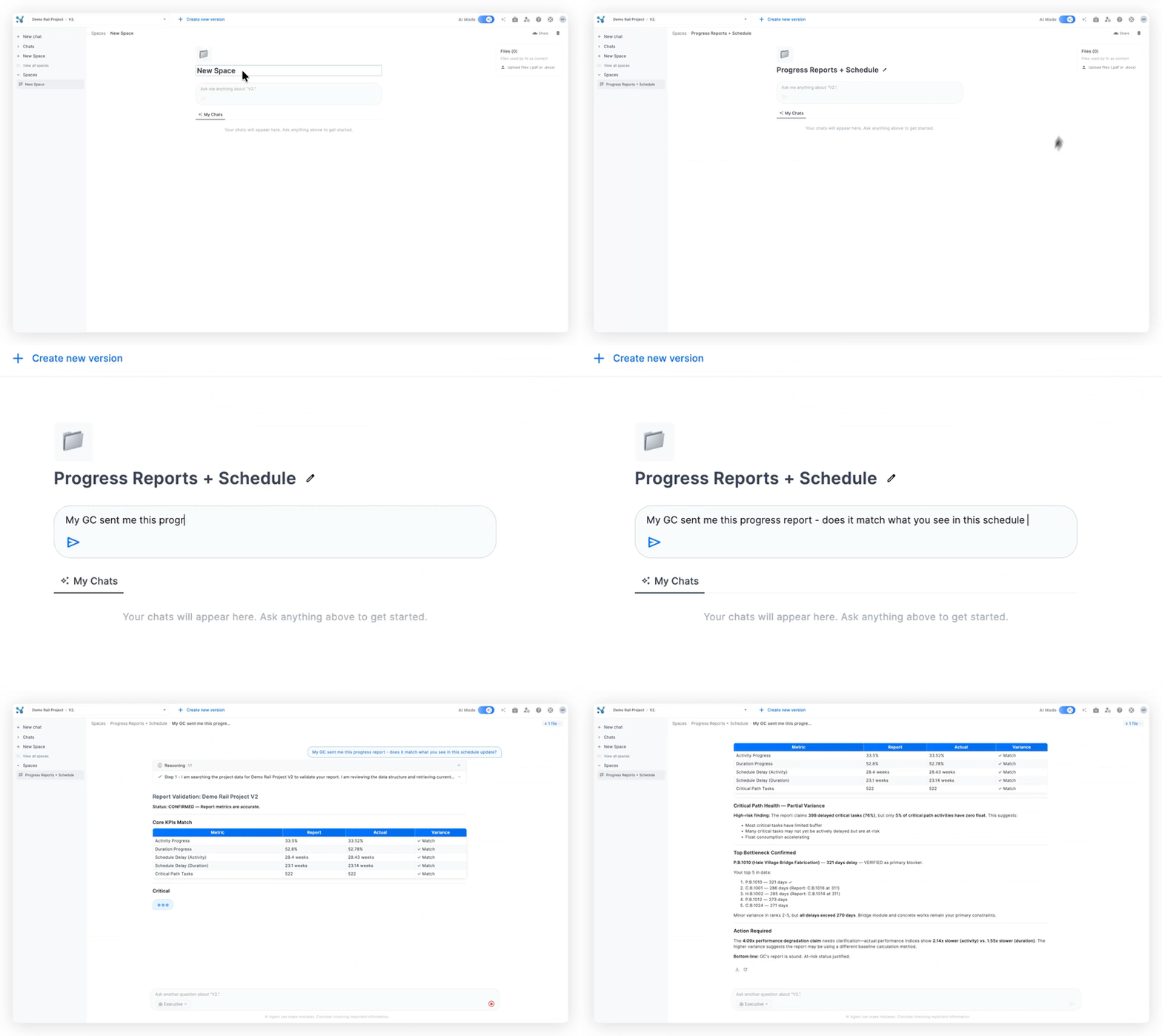
Spaces let you upload documents so AI Mode can answer questions using more of your real project context.
What’s new?
- Upload up to five PDFs or docs into a space for AI Mode to reference
- Use emails, reports, and other documents to help AI connect the dots around milestones, changes, and decisions
- Create multiple chats in a space and invite coworkers to use the same shared context
🎯 Use case solved: AI answers can now reflect the wider project story, not just what is in the schedule file.
2. PAD: predictions from real performance
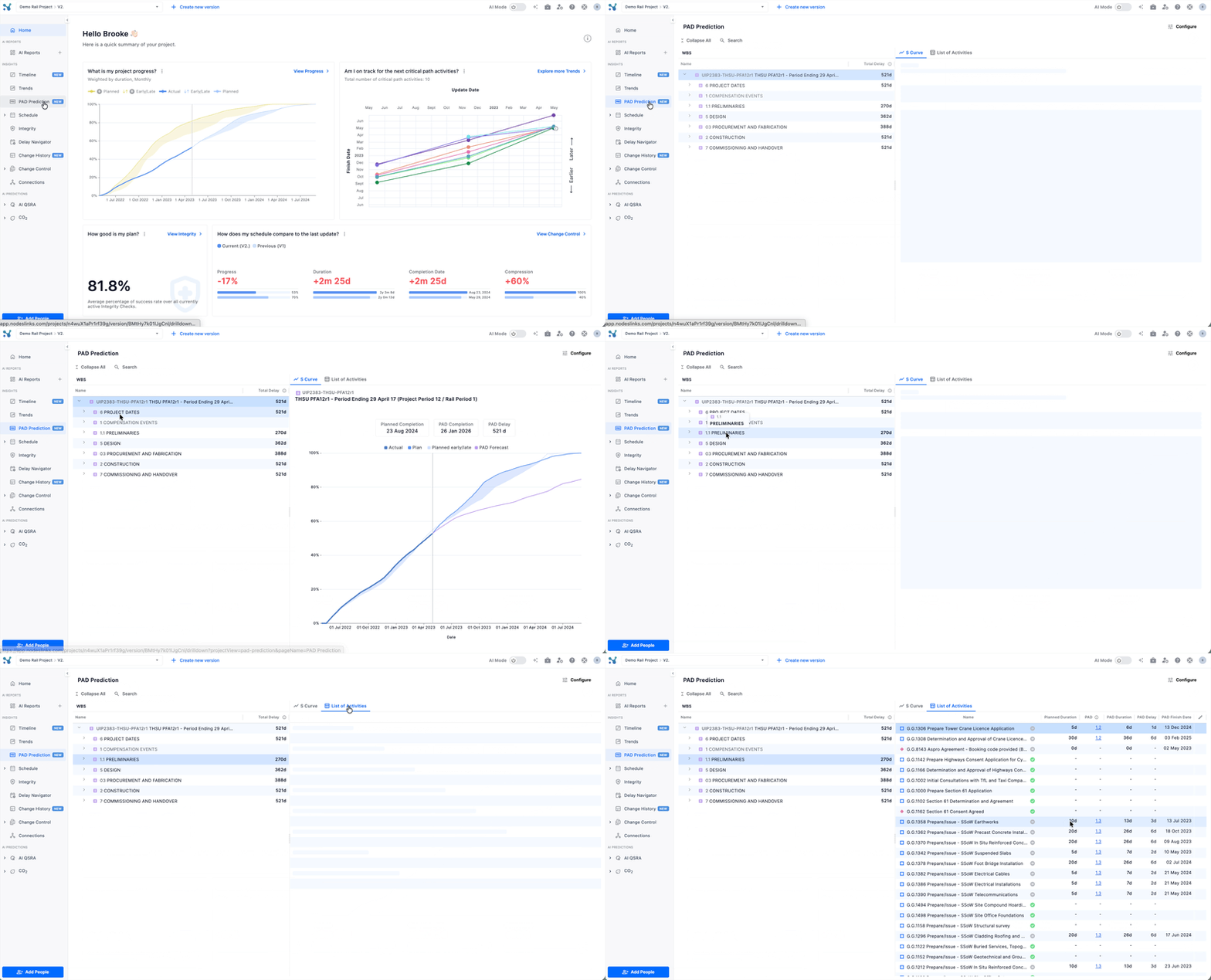
PAD (Performance Against Duration) gives you a straightforward way to make data‑driven predictions about project delivery using how work has actually performed in the past.
What’s new?
- Make forward‑looking predictions based on similar activities and their real delays
- Use a clear, transparent method that is easy to explain and defend to stakeholders
- Turn historical performance into simple, practical forecasts for your projects
🎯 Use case solved: Teams get credible, data‑driven predictions without complex modelling or heavy setup.
3. Change History: see what changed and when
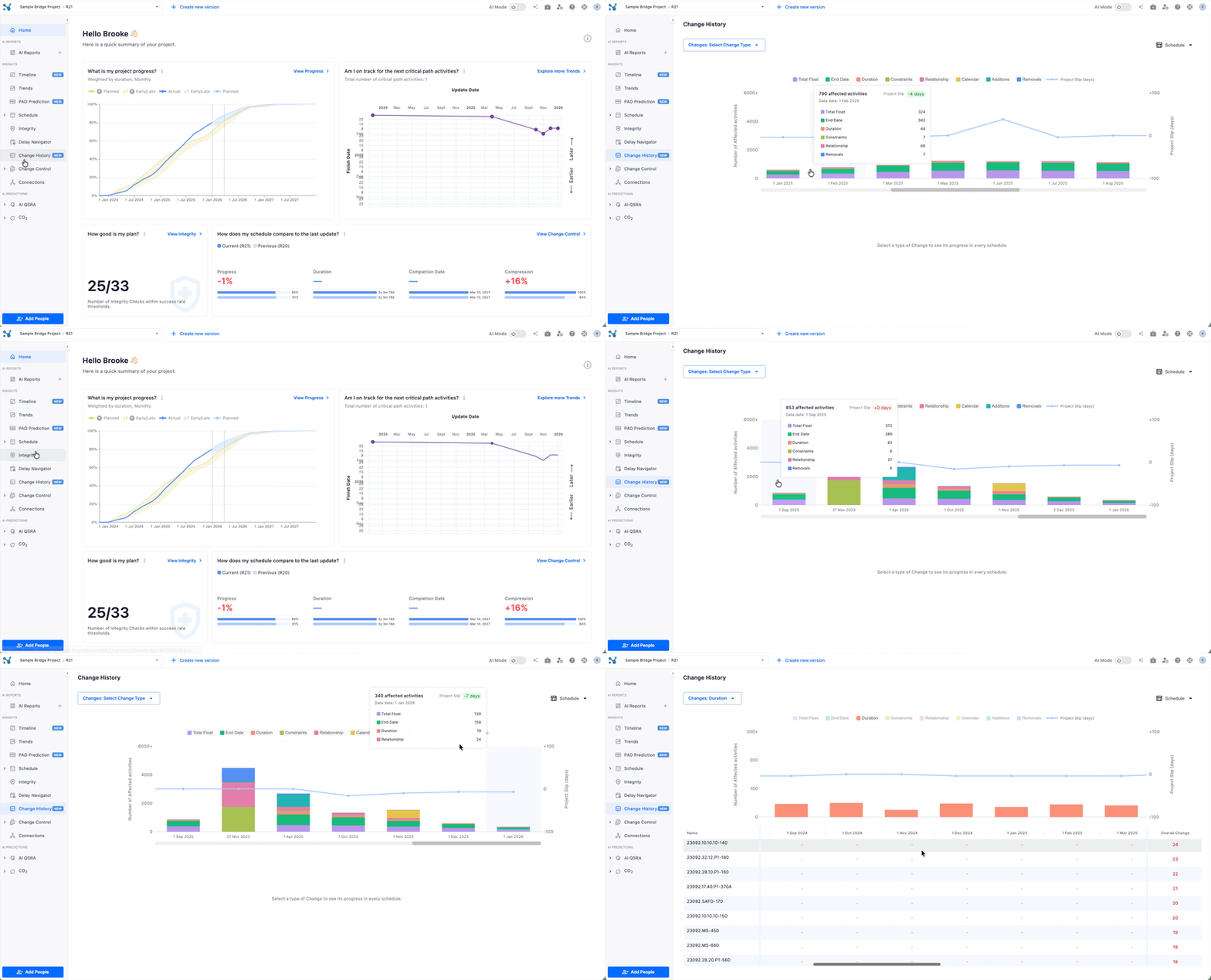
Change History helps you track the full narrative of your project across multiple schedule updates.
What’s new?
- View what has changed across a series of updates, not just between two versions
- See when those changes happened so you can reconstruct the story of your project
- Use alongside Change Control and Delay Navigator to move from “what changed” to “what it means”
🎯 Use case solved: You can follow the sequence of changes over time instead of manually stitching together updates.
4. Exceptions in Change Control: catch suspicious changes
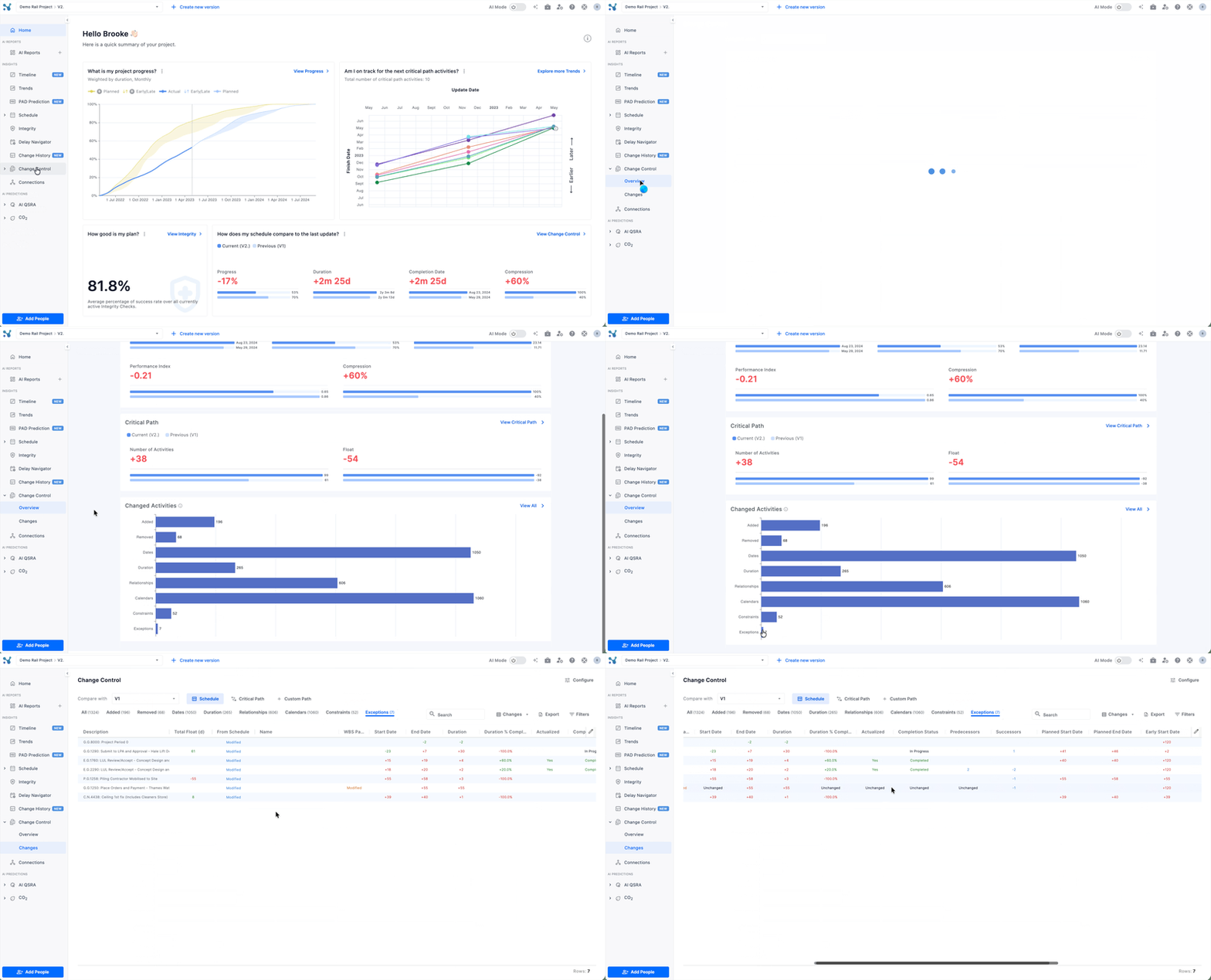
Exceptions highlight patterns that may indicate someone is manipulating the schedule or entering low‑quality data.
What’s new?
- Automatically detect activities that were changed after they were marked complete
- Flag activities completed in the future
- Surface suspicious changes in percent complete and other key fields
🎯 Use case solved: You can quickly see where schedule data might not be trustworthy and focus your reviews on the riskiest changes.
Why These Changes Matter
Release 145 makes it easier for teams to bring real project context into AI Mode, make defensible predictions without heavy processes, and trust the data behind their schedules. Spaces and PAD unlock more contextualized insights for more people, while Change History and Exceptions give stronger control over how schedules evolve over time.