
Events
You can view all events in your workspace in the Admin Tool by clicking Events in the left navigation bar. Each row on the Events screen represents an event and provides the following details:
- Event Name
- The name and email of the user who performed the event
- The Timestamp
- Project and Version associated with the event
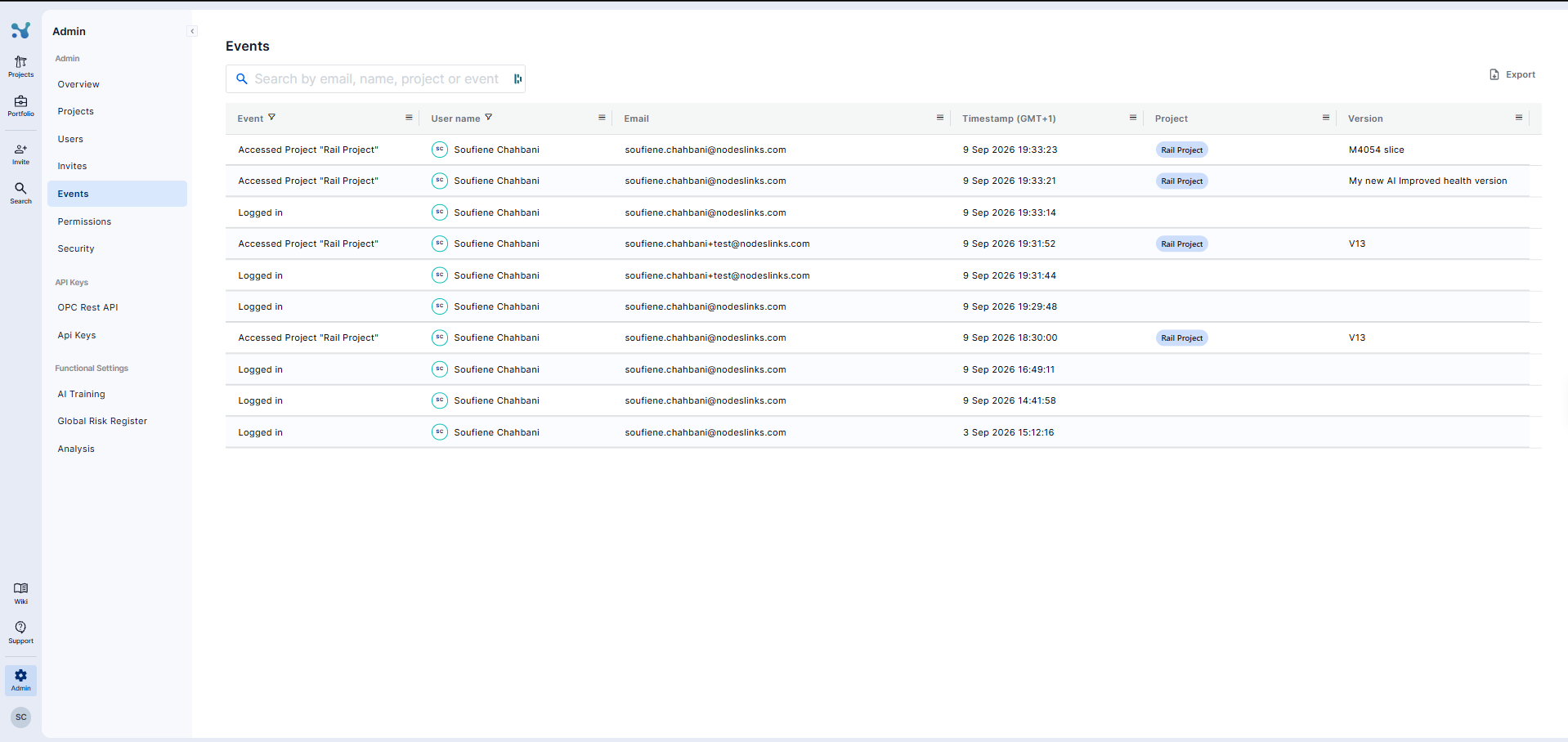
You can export the event list for further review. Additionally, the search bar allows you to search by email, event name, project, or user name, and you can filter the data within any column.