
Security
You can manage authentication and access security policies for your workspace by clicking on “Security” in the Admin left navigation bar.
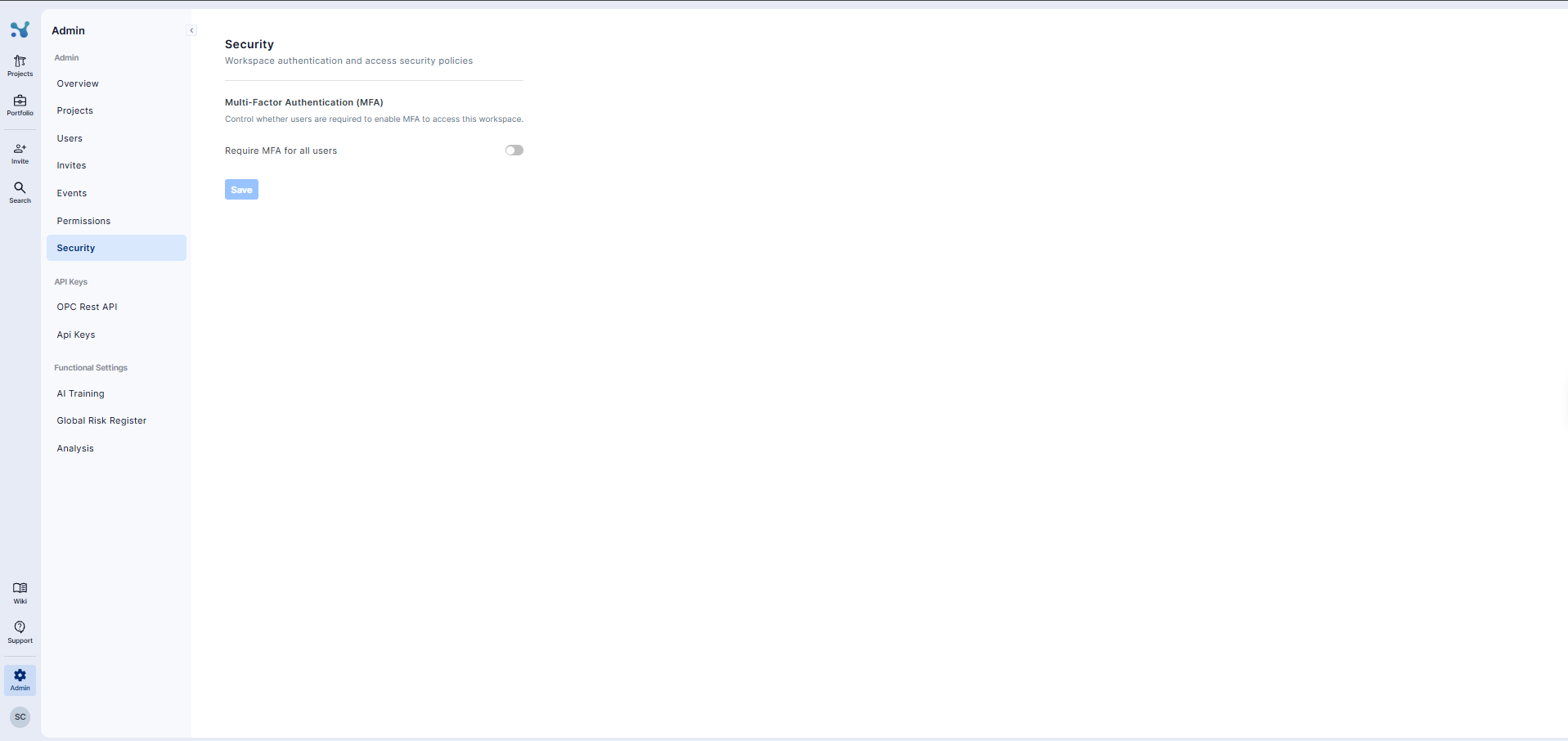
The Security page allows you to require Multi-Factor Authentication (MFA) for everyone who accesses your workspace. MFA adds an additional verification step when users sign in, helping to protect workspace data and prevent unauthorized access.
To require MFA for all users:
- Navigate to Admin from the main navigation bar.
- Click “Security” in the left navigation menu.
- Under Multi-Factor Authentication (MFA), turn on the “Require MFA for all users” toggle.
- Click “Save” to apply the security policy.
Once enabled, all users will be required to set up and use MFA to access the workspace. To make MFA optional again, turn the toggle off and click “Save.”