Integrity templates
Every project runs the same integrity checks. Left alone, each project drifts to its own thresholds. Templates fix that. You define the check settings once, decide which template new projects start with, and control whether contributors and members can change them.
Templates and projects
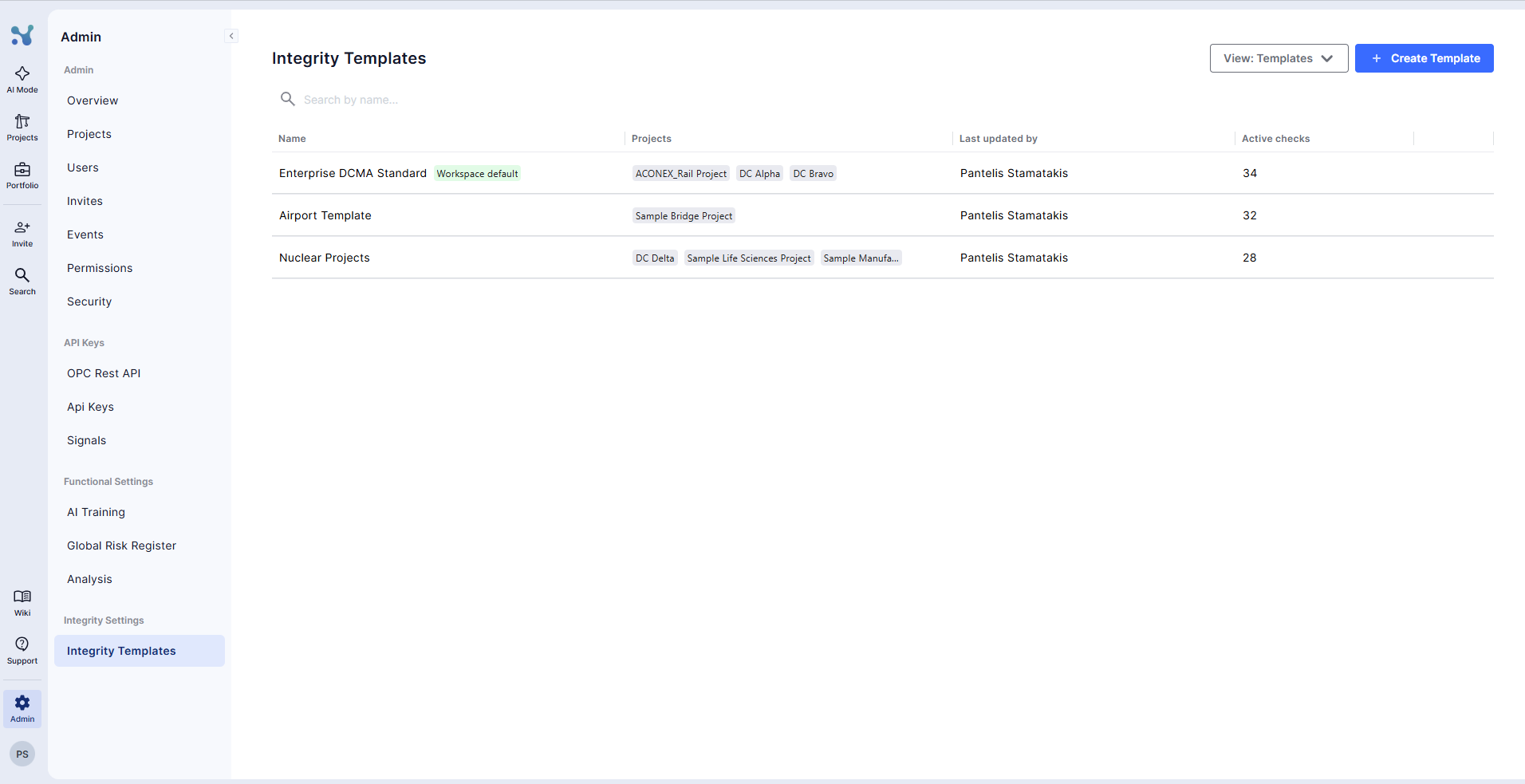
Platform admins manage templates in the Admin Portal, under Integrity Settings → Integrity Templates.
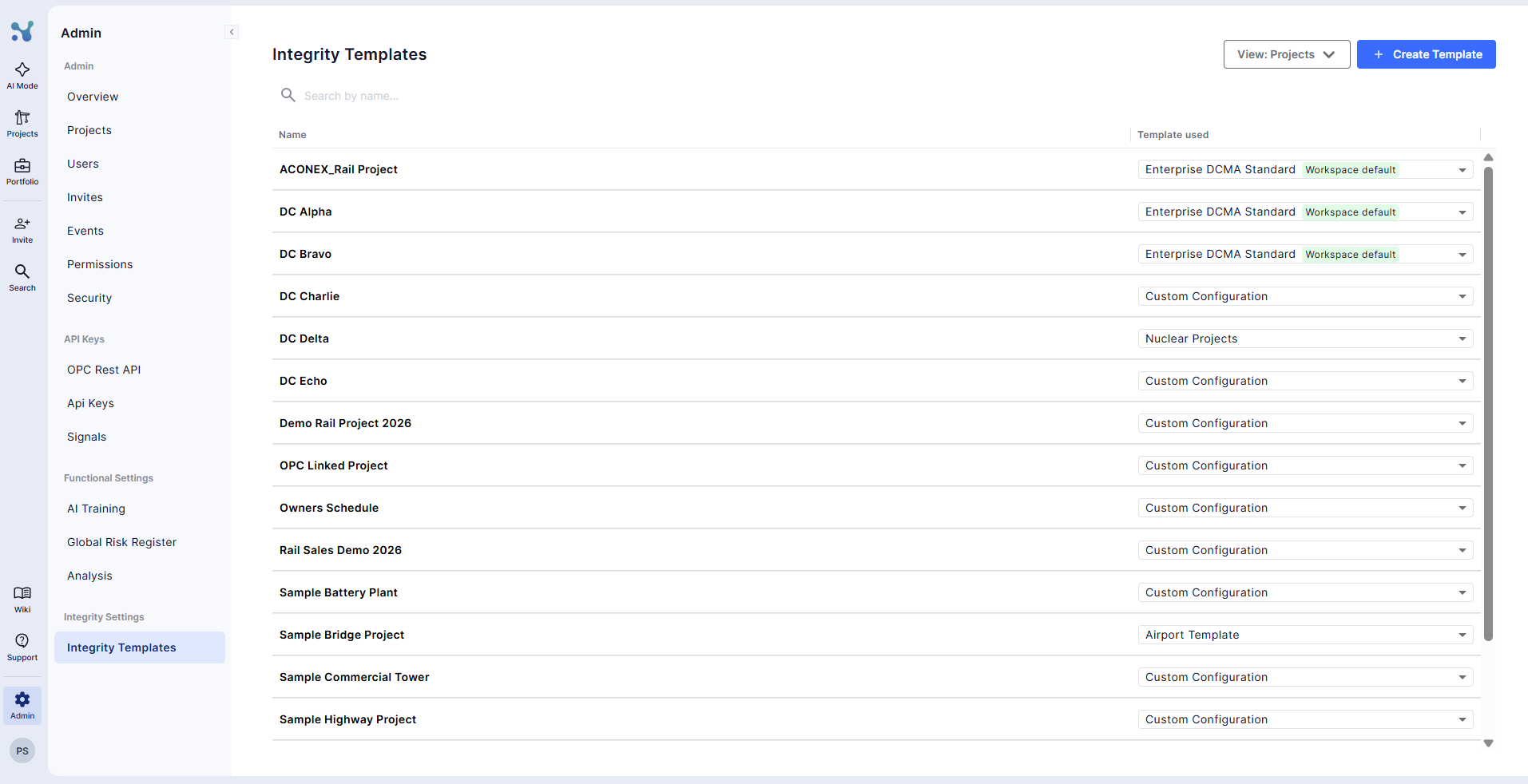
The View dropdown switches the same table between two views:
- Templates — every template, the projects using it, who last updated it, and how many checks are active
- Projects — every project you can access, with the template it uses
Both views have a search by name.
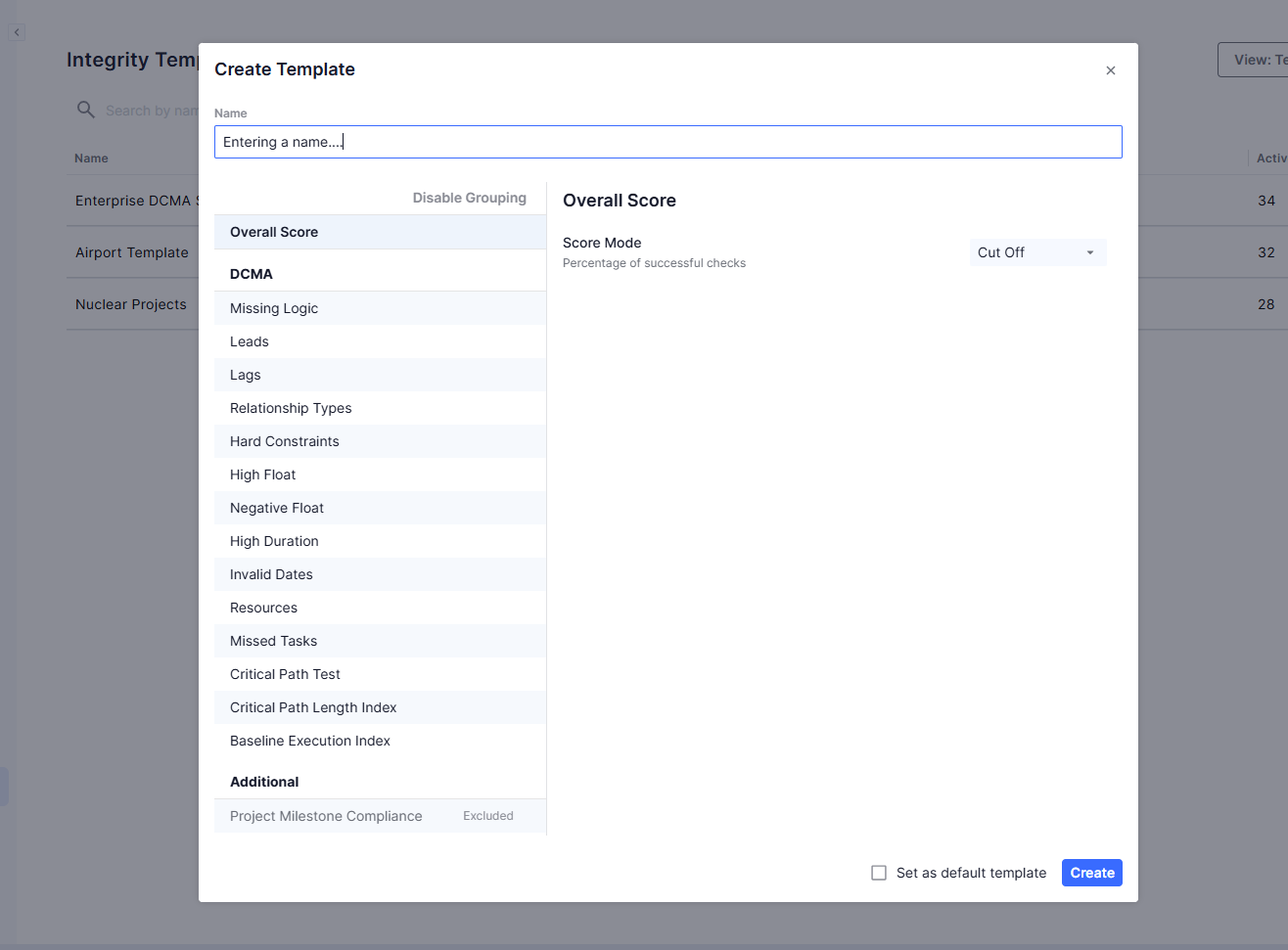
Create a template
- Click New template.
- Give it a name. Names must be unique in the workspace.
- The template starts with the workspace default check settings. Adjust them, then save.
Edit or delete a template
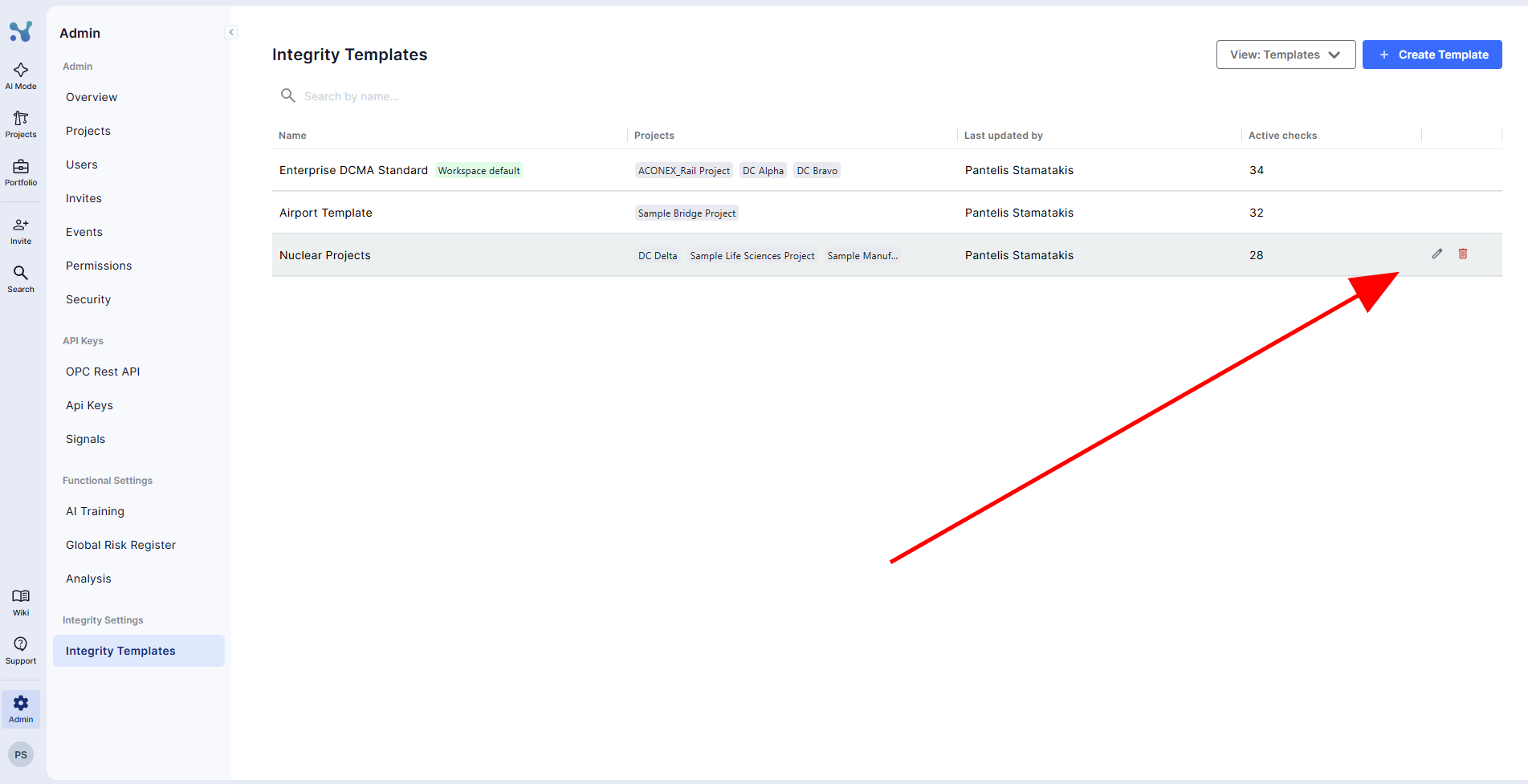
Hover on a template and click on the pencil icon to edit it and the bin icon to delete it.
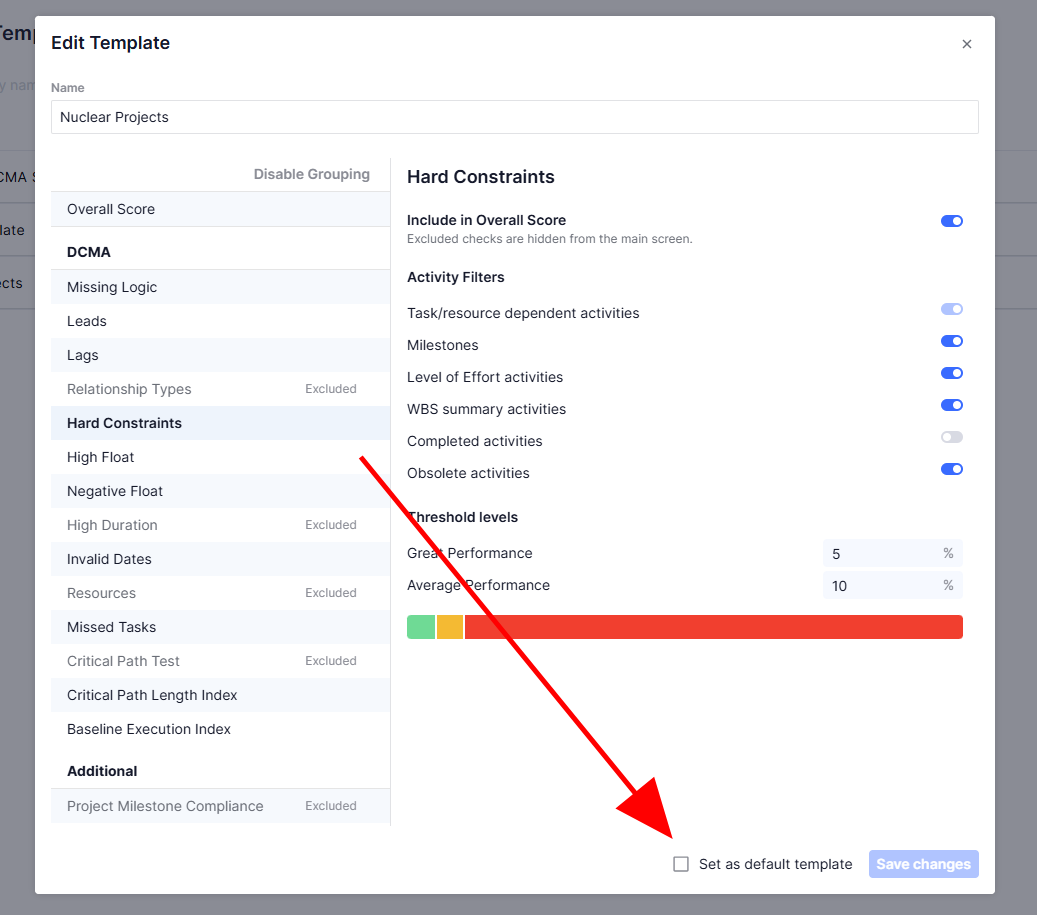
When editing a template, you can set whether a check counts toward the Overall Score, its activity filters, its critical value (absolute or relative working days), its threshold levels, and the Overall Score settings for the template.
When you save, you first see how many projects use the template. Confirm, and the new settings apply to all of those projects, plus any project that gets the template later.
Project's whose template is deleted show up as 'custom configuration'
Set the workspace default
Mark any template as the workspace default. Only one template is the default at a time, and it carries a Default badge.
New projects start with the default template's settings.
Decide who can change a project's settings
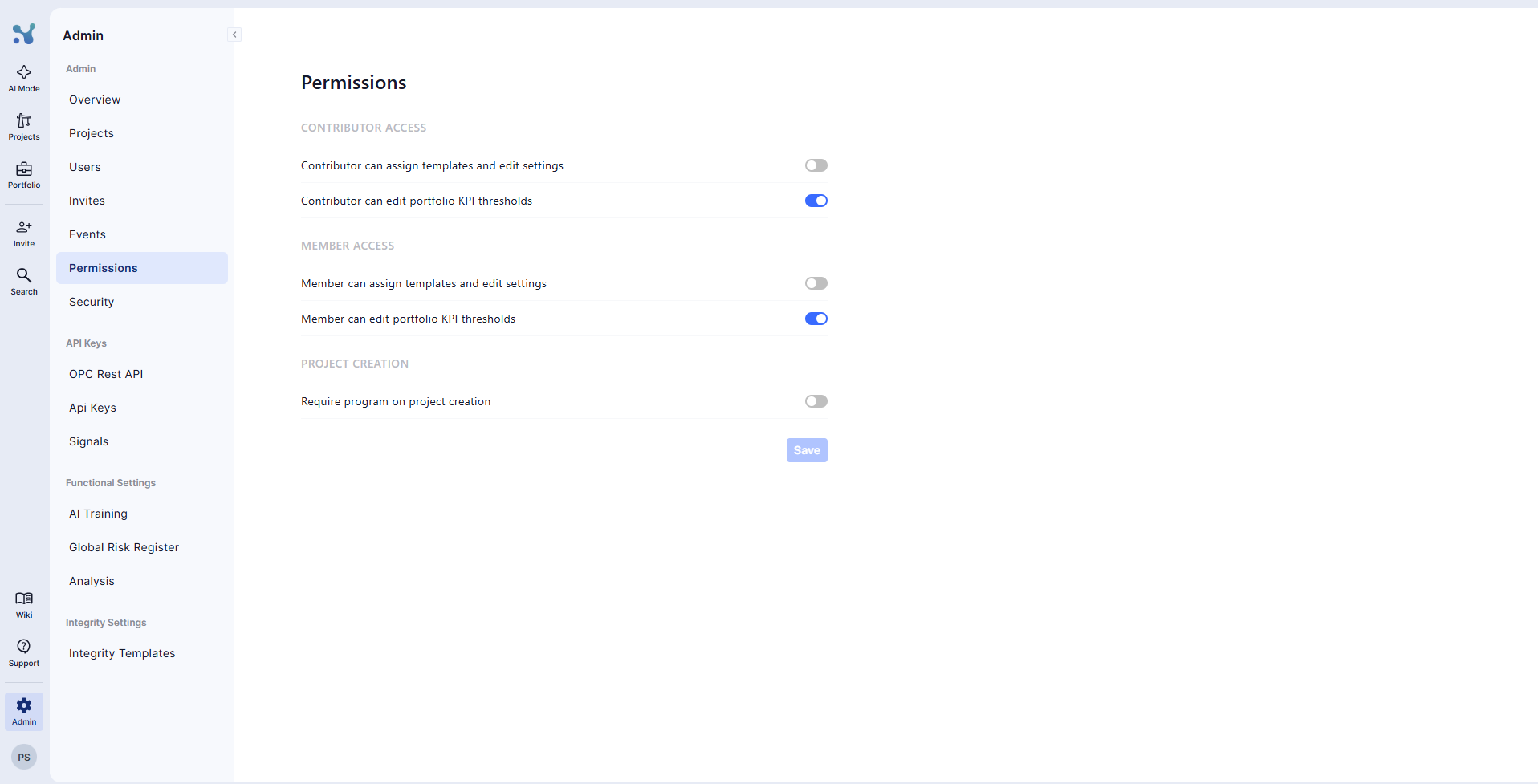
This is a workspace permission, not a setting on the template. Go to Admin Portal → Permissions.
Under Contributor access and Member access, you control:
- Contributor can assign templates and edit settings
- Member can assign templates and edit settings
When a role's toggle is on, those users can switch a project's template, choose Custom configuration, and edit check settings. When it is off, they can only view the settings. Click Save to apply.
Admins can always change everything.
Projects view
The Projects view lists every project you can access with the template it uses. You can also change each project's template as an admin.
Projects that follow a configuration that has no respective template show as Custom Configuration.